
In today’s digital landscape, network traffic analysis is crucial for troubleshooting issues, detecting security threats, and optimizing performance. Whether you’re an IT professional, network engineer, or cybersecurity analyst, the right tools can make all the difference. Here are eight essential tools to help you monitor and analyze network traffic effectively.
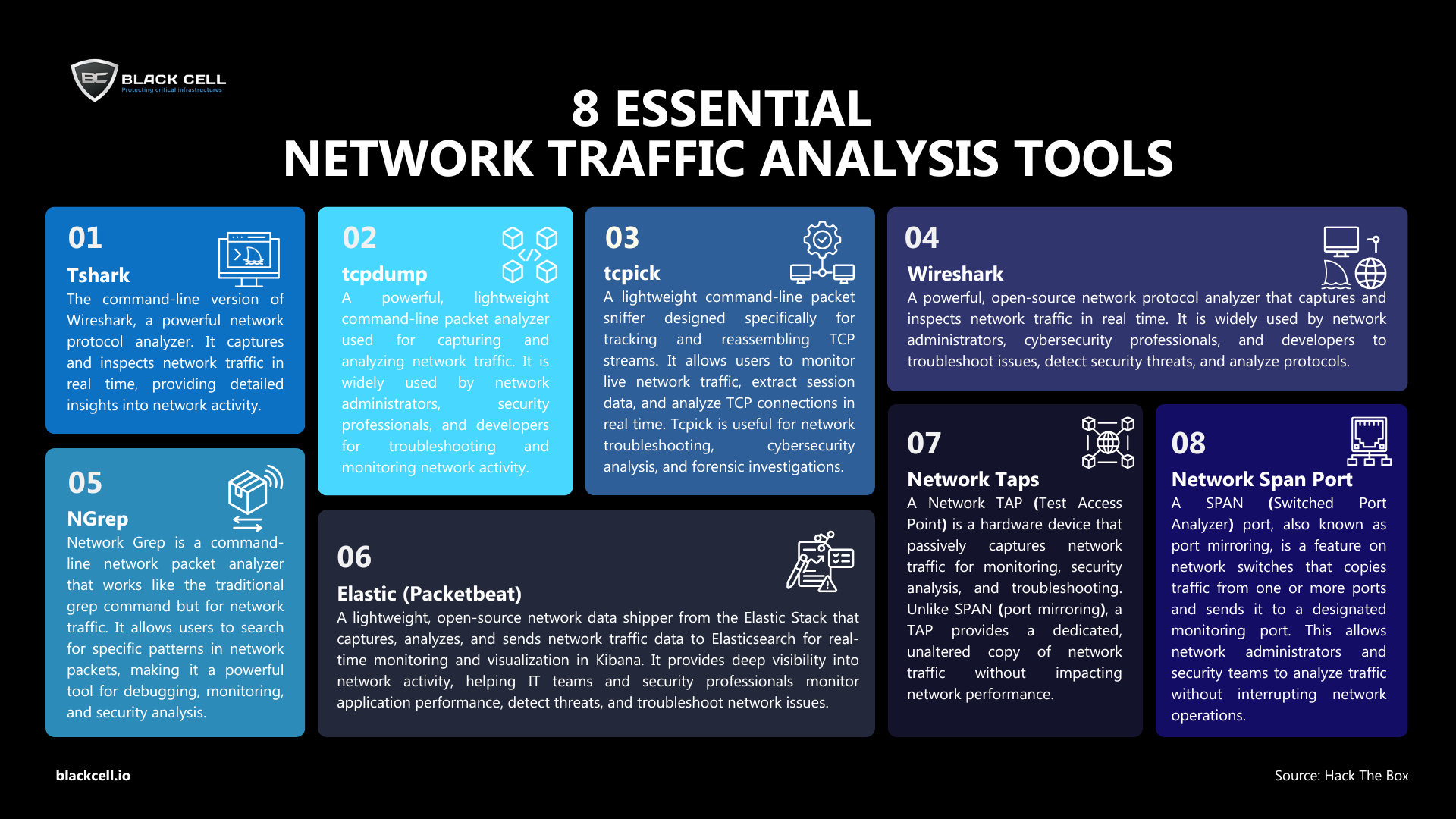
1. Wireshark – The Gold Standard in Packet Analysis
Wireshark is a powerful, open-source packet analyzer that captures and inspects network traffic in real time. With deep packet inspection, filtering capabilities, and protocol analysis, it’s the go-to tool for troubleshooting network issues and detecting security threats.
Best for: In-depth packet analysis, protocol troubleshooting, and network forensics
2. Tshark – Command-Line Packet Capture
Tshark is the CLI version of Wireshark, offering similar packet capture and analysis features in a text-based environment. It’s ideal for automation, scripting, and remote network monitoring.
Best for: Lightweight packet analysis and automated traffic monitoring
3. Tcpdump – Lightweight Network Sniffer
A classic command-line tool, tcpdump captures and filters network traffic with minimal system overhead. It’s widely used for quick packet captures and debugging on Linux and Unix-based systems.
Best for: Fast, real-time traffic analysis and troubleshooting
4. Tcpick – Reassembling TCP Streams
Tcpick is a packet sniffer specializing in TCP stream tracking. It reconstructs network sessions, making it useful for analyzing application-level data exchanges like HTTP or FTP traffic.
Best for: Tracking TCP connections and reconstructing data streams
5. NGrep – Grep for Network Traffic
NGrep (Network Grep) functions like the Unix grep command but for network packets. It’s an excellent tool for searching specific patterns in network traffic, such as keywords in HTTP requests or login attempts.
Best for: Filtering network traffic using regular expressions
6. Elastic Packetbeat – Real-Time Network Monitoring
Packetbeat is part of the Elastic Stack, acting as a real-time network traffic shipper. It captures and sends network data to Elasticsearch, enabling advanced visualization and analysis in Kibana.
Best for: Application-layer monitoring, security analytics, and SIEM integration
7. Network Taps – Passive Traffic Capture
A Network TAP (Test Access Point) is a hardware device that mirrors network traffic for monitoring purposes. Unlike SPAN ports, TAPs provide 100% packet visibility without affecting network performance.
Best for: Passive traffic monitoring, security forensics, and compliance auditing
8. SPAN Ports – Software-Based Port Mirroring
A SPAN (Switched Port Analyzer) port, or port mirroring, allows a network switch to copy traffic from one or more ports to a monitoring interface. While not as reliable as TAPs, it’s a cost-effective way to monitor network traffic.
Best for: General network monitoring and troubleshooting
Whether you need deep packet analysis (Wireshark, Tshark, Tcpdump), pattern searching (NGrep), or real-time monitoring (Packetbeat, SPAN, TAPs), these tools provide visibility into your network to help detect issues and enhance security.
Author

Tibor Luter
FUSION CENTER MANAGER
Related Posts
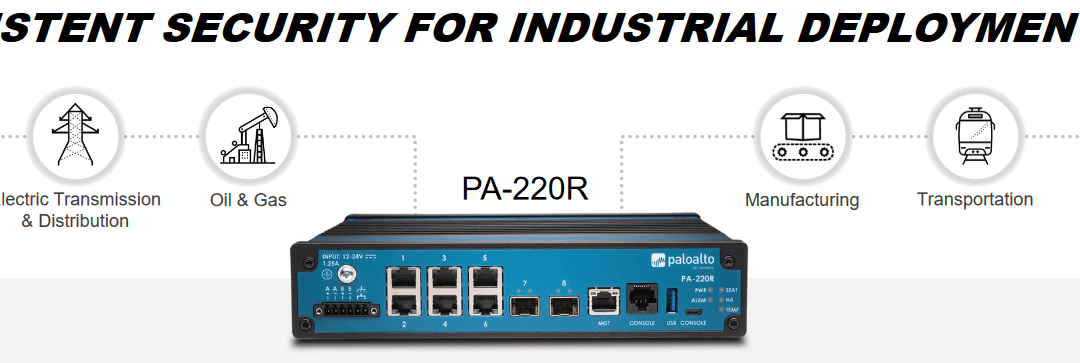
Consistent security for industrial deployments with Palo Alto Networks PA-220R ruggedized appliance
The PA-220R is a next-generation, rugged firewall, what enables proper network security in severe, industrial environments, like power plants, manufacturing plants or oil or natural gas refineries. Due to its rugged design, it’s capable to endure heat, doesn’t contain moving parts and completely dust and interference proof.
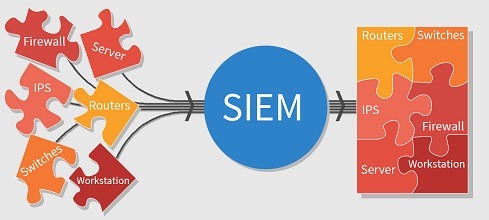
What is SIEM and why is it important to organizations?
Today and in the evolving digital world, cyber-attacks are becoming more common and the amount of data organizations generate is too much to handle manually; therefore, organizations need a solution to monitor the systems and report suspicious activities. Among the array of security solutions available today, SIEM solutions are the most comprehensive choice for building threat intelligence capabilities.